Columns Settings
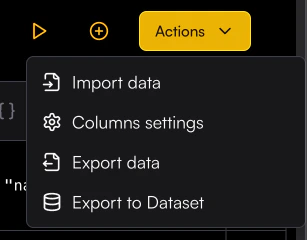
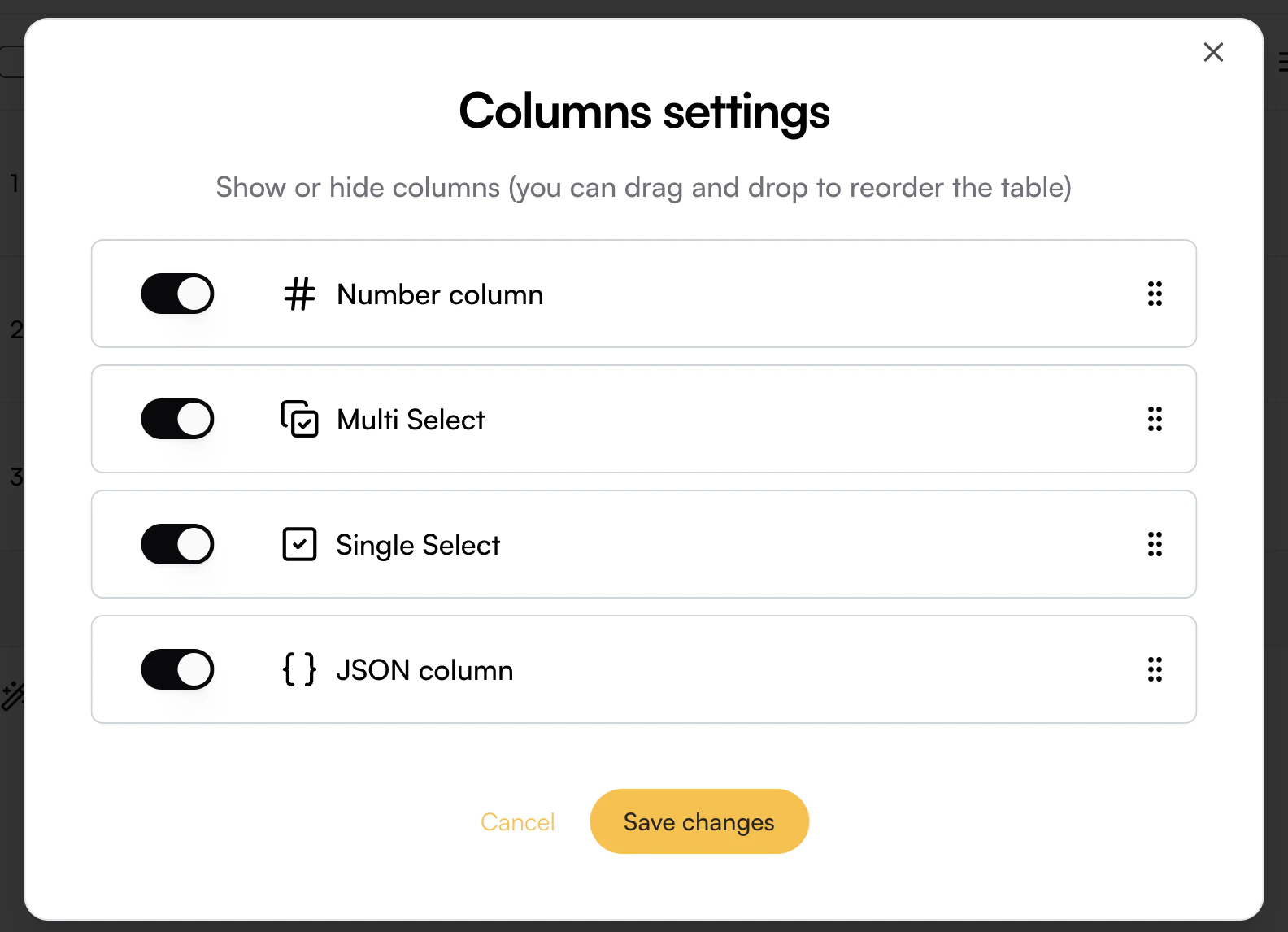
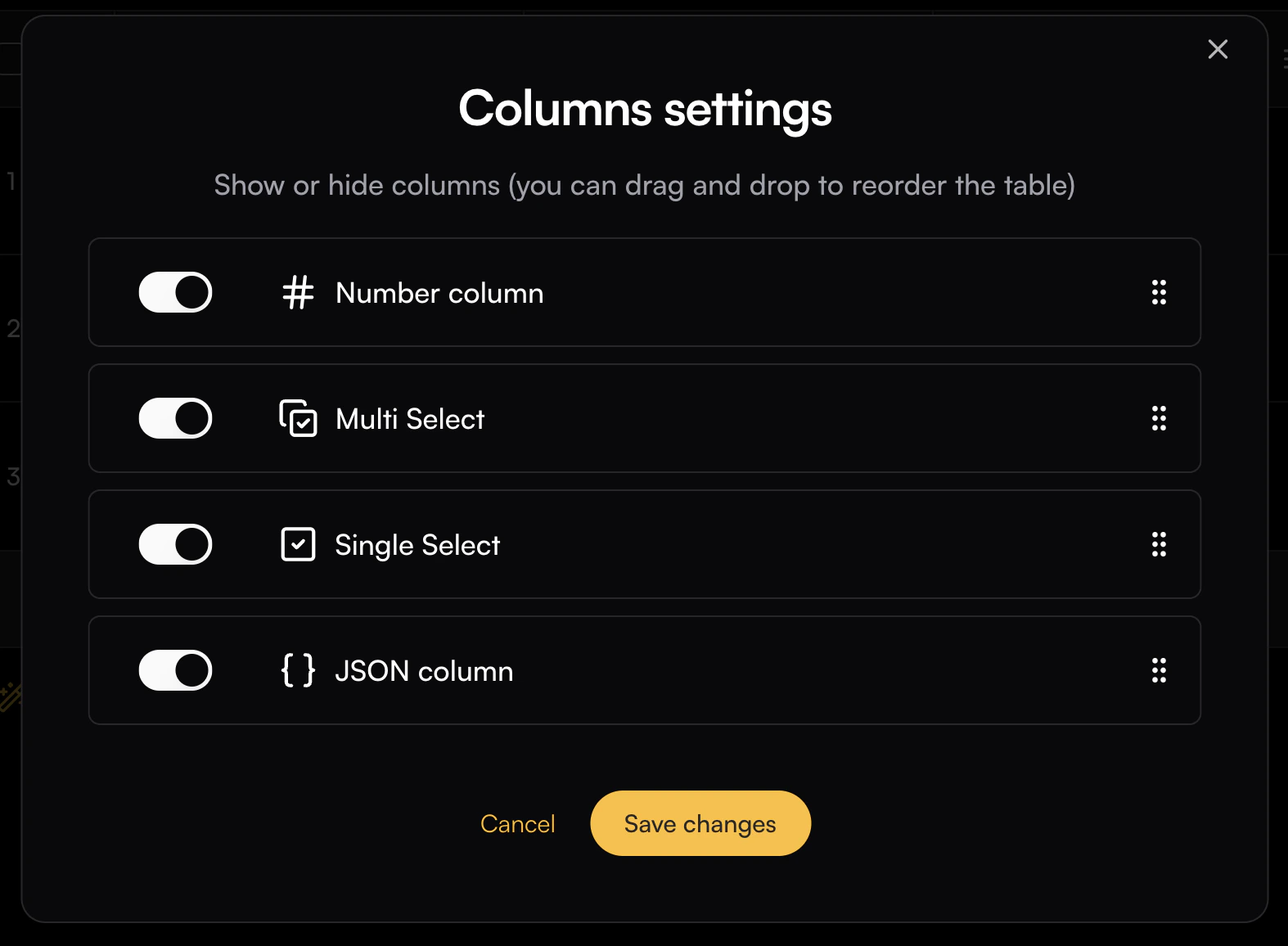
Column Settings lets you hide specific columns from the Playground and reorder them as needed. To open the settings, click the Playground Action button and select Column Settings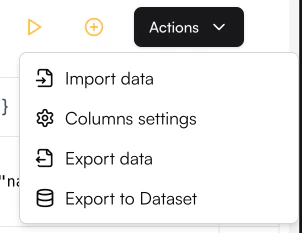
Columns can also be reordered by dragging them to your desired position in the playground
Columns Actions
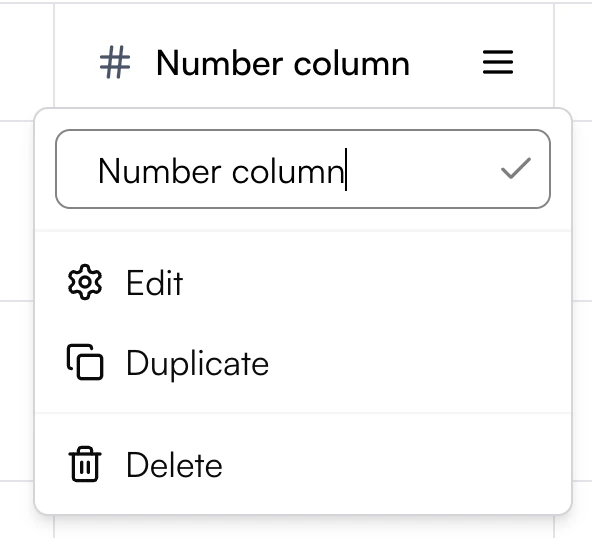
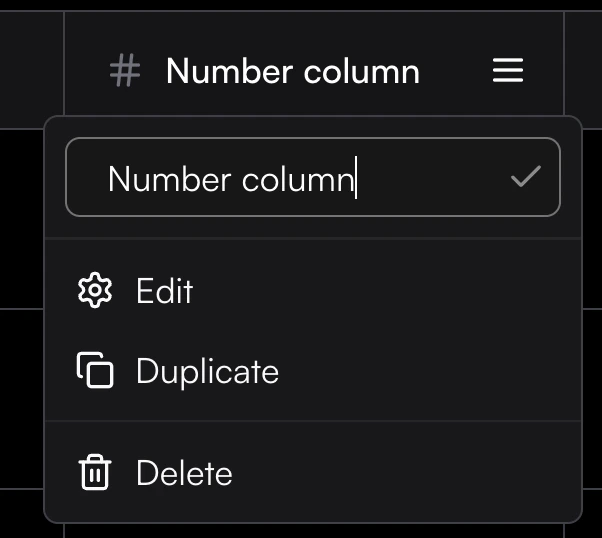
Each column has a menu that lets you manage and customize it. From this menu, you can:- Rename the column directly by editing its title
- Edit the column configuration
- Duplicate the column to create a copy with the same settings
- Delete the column if it’s no longer needed